> ## Documentation Index
> Fetch the complete documentation index at: https://docs.runalloy.com/llms.txt
> Use this file to discover all available pages before exploring further.
# Hosted Link
## Overview
In our [Quick Start](/embedded/quick-start) guide, we embedded the modal into our application's frontend using the [Frontend Javascript SDK](/embedded/frontend-javascript-sdk). However, you may need a simpler approach that doesn't require frontend integration. Hosted Link provides a secure, shareable URL that allows your end users to install workflows without any SDK implementation.
## How it Works
Hosted Link generates a secure URL for your end users to authenticate and install workflows. You can generate these links programmatically via the API or directly through the dashboard.
## Creating a Hosted Link via the Dashboard
Let's walk through an example. Suppose you want to build a Magento integration with a single workflow: whenever an order is created in Magento, stream that data to your webhook ingest server.
Your workflow might look like this:
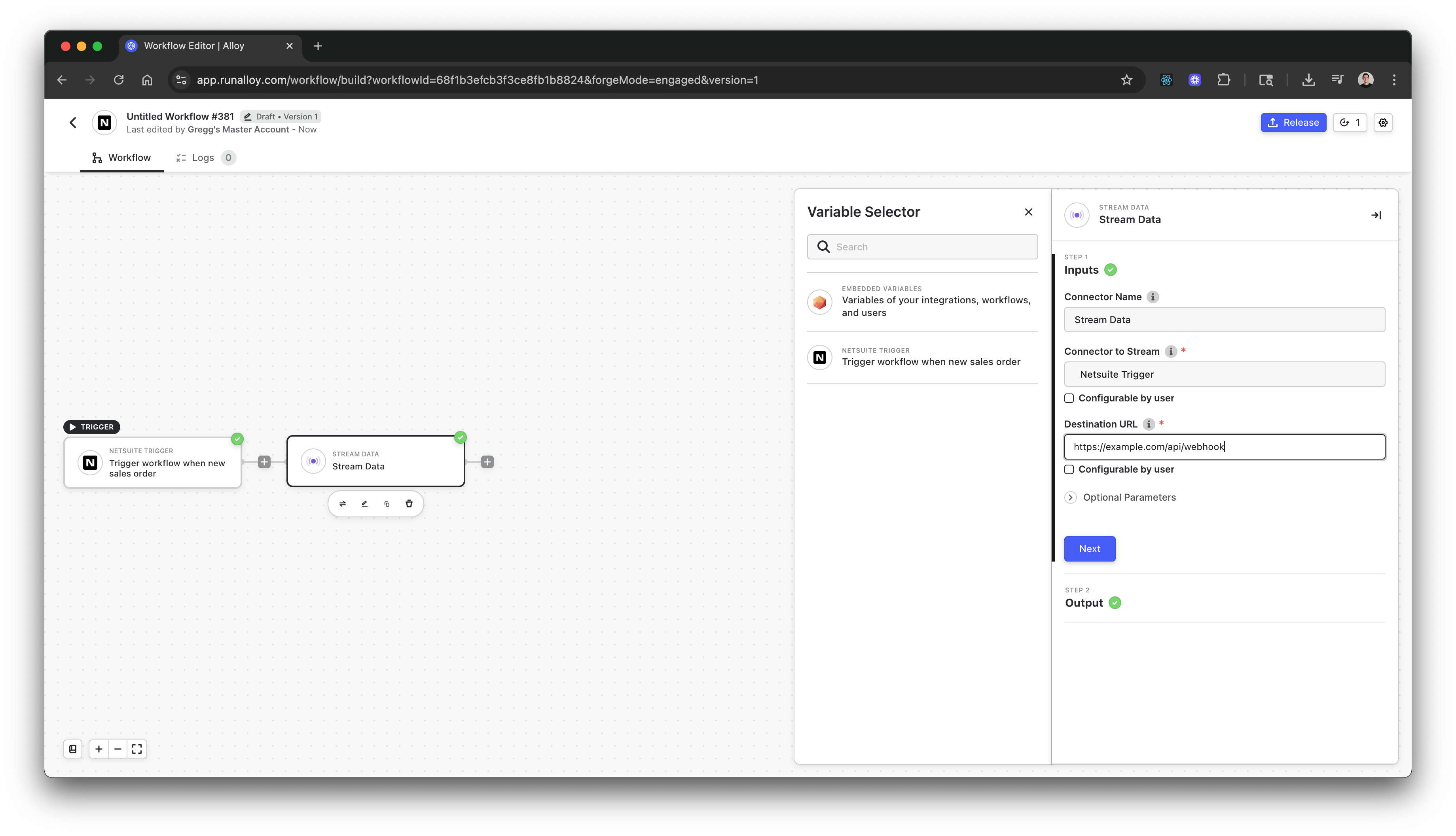
Once you've built and published your workflow, navigate to the Magento integrations page and click the **Share** button.
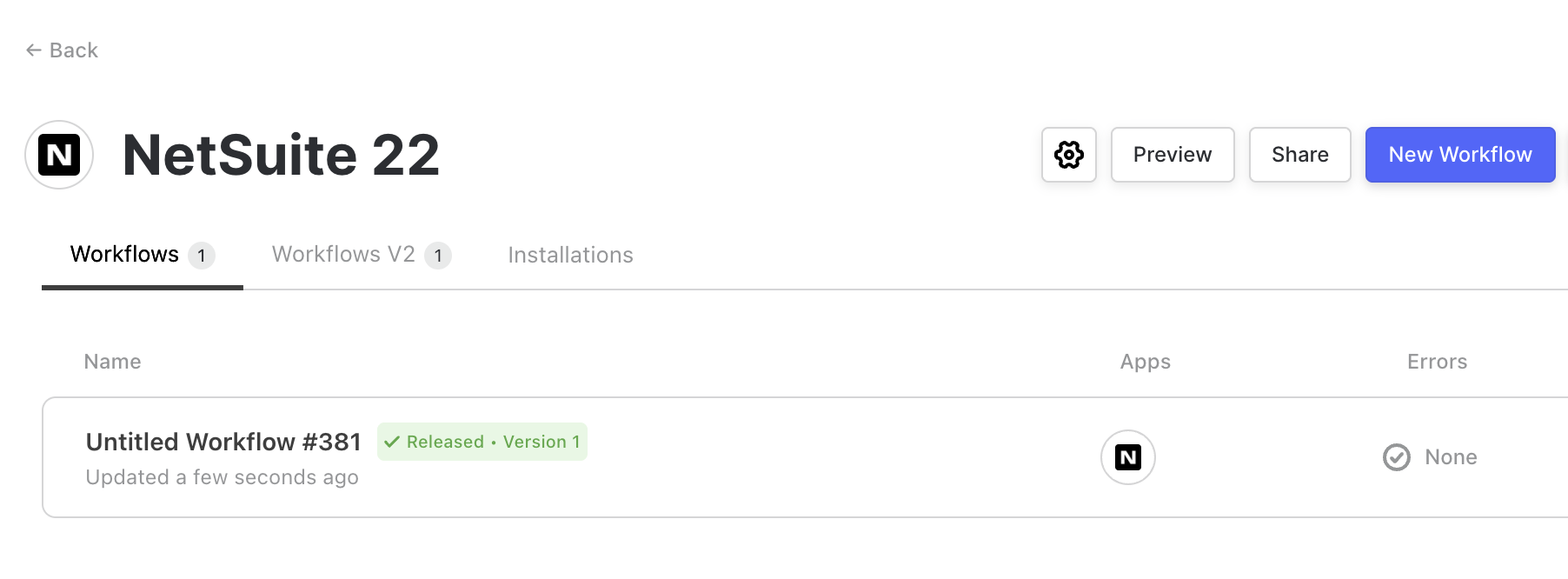
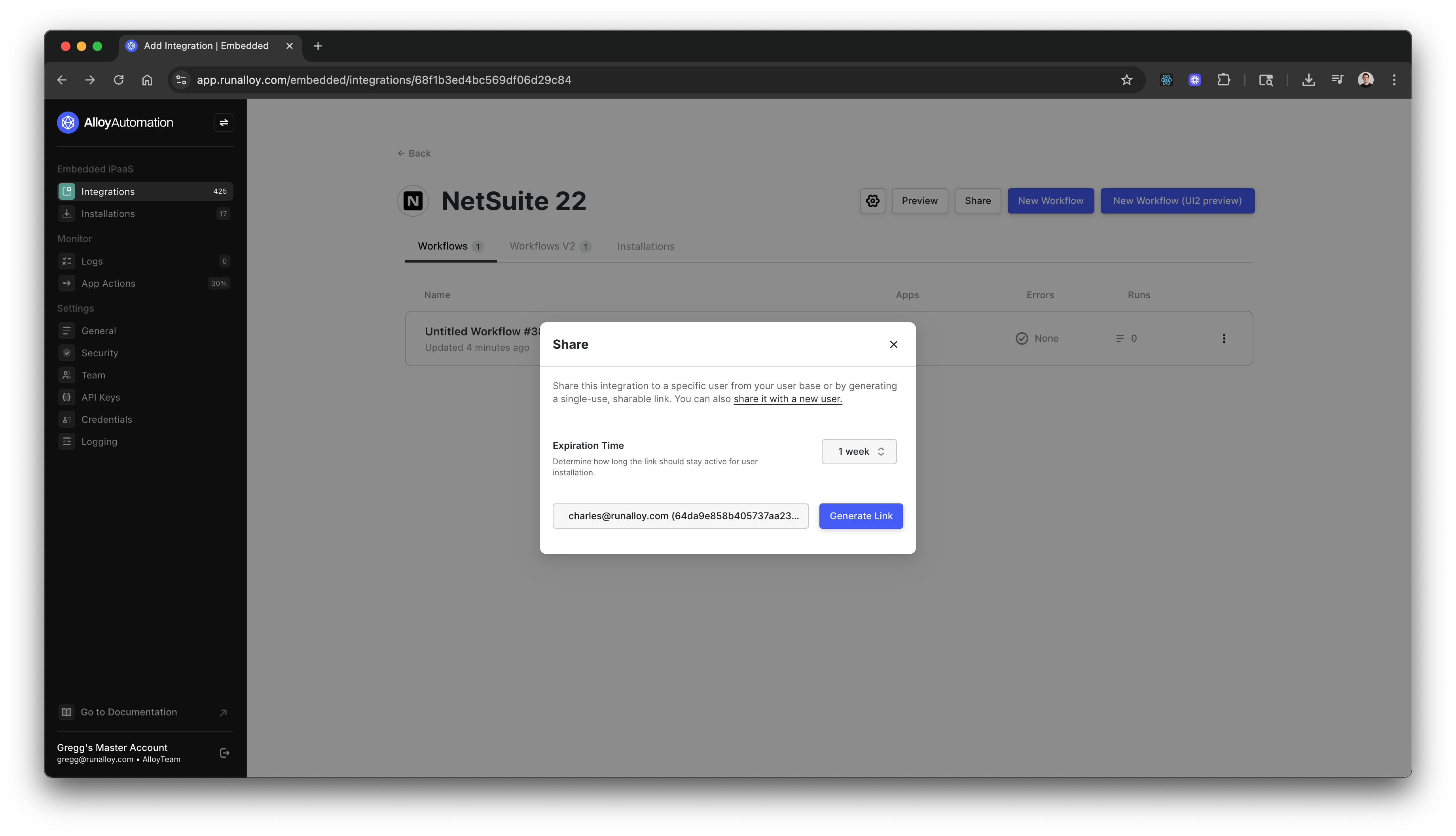
Follow these steps:
**Share with a user**: Choose an existing user or create a new one. To create a new user, select **share it with a new user** and input their email address. Note that the system does not automatically send an email to the user—you're responsible for delivering the link. The email you enter creates a new end user account.
**Generate Link**: Click **Generate Link** to create the secure URL.
**Copy Link**: Copy the link and send it to your user. You can set an **Expiration Time** to control how long the link remains valid. By default, links expire after 7 days, but you can specify a custom duration. Note that once a user successfully installs the integration, the link becomes invalid.
## Using the Hosted Link
Once generated, your Hosted Link will look similar to this:
```text theme={null}
https://app.runalloy.com/embedded-install?integrationId=XXXXXXX&token=YYYYYYYY.ZZZZZZZZZZZZZ.WWWWWWWWWWWWWW-VVVVVVVVV&forgeMode=engaged&alwaysShowCredentials=true
```
When your user opens this link, they'll see the same authentication experience as the embedded modal:
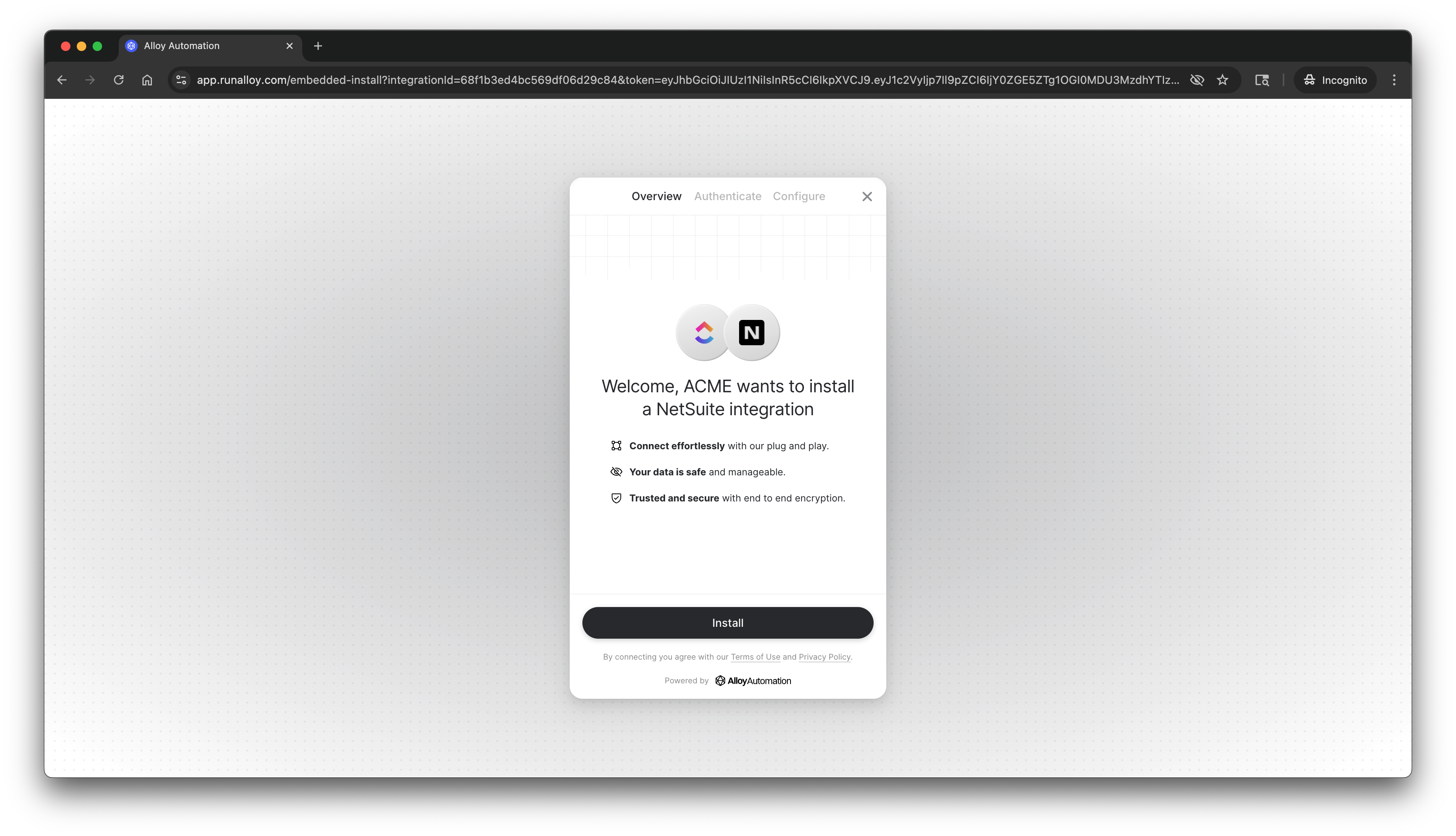
Hosted Link uses the same underlying technology as the embedded modal rendered via the Frontend JavaScript SDK. Users simply enter their credentials and click **Finish Installation** to complete the setup.
## Creating a Hosted Link via the API
You can also generate Hosted Links programmatically by invoking the `GET /install-url` endpoint as detailed [here](/reference/embedded/generate-alloy-link). This endpoint requires a `userId` and `integrationId`.
You can create users or retrieve existing ones using the [Create a User](/reference/embedded/create-a-user) and [List all Users](/reference/embedded/list-all-users) endpoints.
Note that this endpoint requires your API key and must be called from your backend.
## Summary
Hosted Link provides a simple way to enable workflow installations without frontend SDK integration. Behind the scenes, it uses the same technology as the embedded modal—when a user installs a workflow, the system generates a child workflow (a copy) of the parent workflow.
You can use any other Embedded APIs in conjunction with Hosted Link, including our [logging](/reference/embedded/get-workflow-logs) and [compliance](/reference/embedded/delete-logs-for-a-user) APIs.