> ## Documentation Index
> Fetch the complete documentation index at: https://docs.runalloy.com/llms.txt
> Use this file to discover all available pages before exploring further.
# Mapper
> The Mapper block is a powerful tool for renaming and mapping JSON keys within a JSON object, enabling seamless integration and data ingestion across different systems.
### Usage
To use the Mapper block, follow these steps:
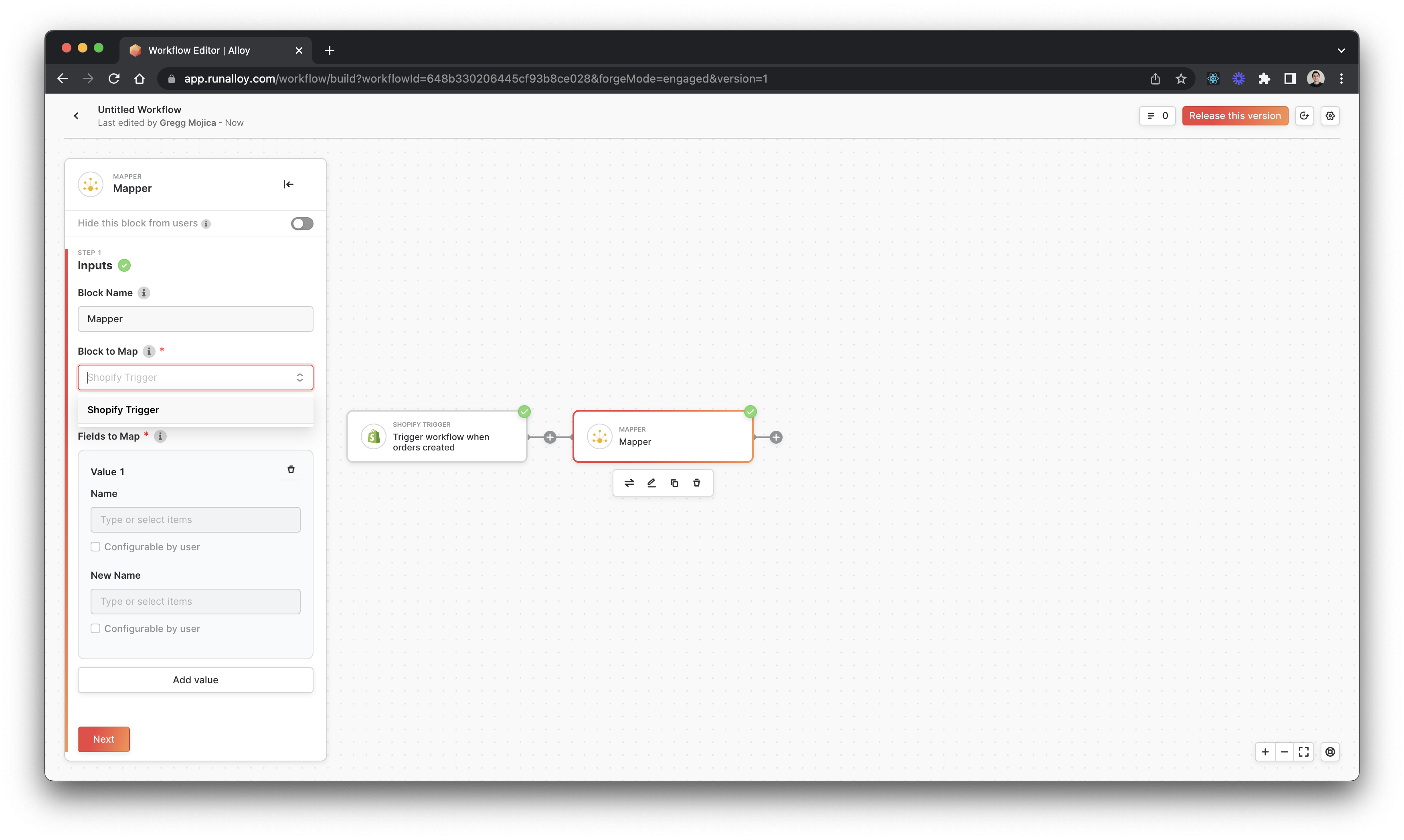
1. Use the data selector to choose data elements to rename (JSON fields fields or variable names)
2. Choose a Key/Variable to rename
3. Add the new desired name
For example, if you have a variable like `customerEmail` and need it to be `customer_email`, the Mapper block makes these minor changes with ease.
### Features
* Rename keys within JSON objects and subobjects.
**Note:**
When working with arrays, the Mapper block currently only maps one of the fields from the index of the block selected. This may cause inconsistencies in the output. Ideally, the block should be able to map all of the same keys within an array for consistency.
### Example
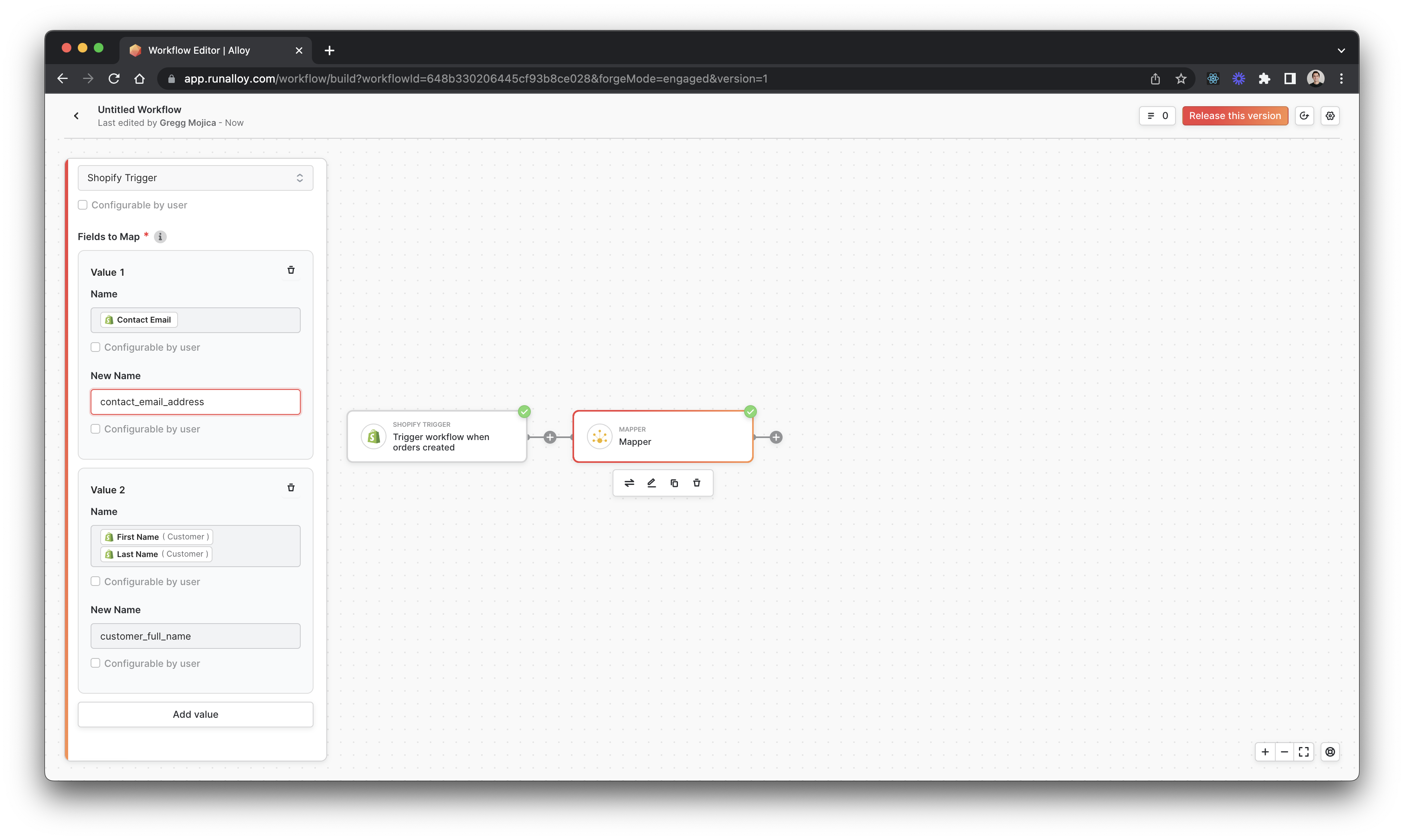
Using the Mapper block with a sample JSON order, you can map the `first_name` and `last_name` keys to `customer_full_name`, and the resulting mapped JSON will have the updated field name.
```json JSON theme={null}
{
"contactEmail": "joe@doe.com",
"first_name": "John",
"last_name": "Doe"
}
```
After using the Mapper block:
```json JSON theme={null}
{
"contact_email_address": "joe@doe.com",
"customer_full_name": "John Doe"
}
```