> ## Documentation Index
> Fetch the complete documentation index at: https://docs.runalloy.com/llms.txt
> Use this file to discover all available pages before exploring further.
# Real-Time Deal Notifications
> Alloy makes it easy to set up real-time deal update notifications from any third-party system directly into your app.
Here's a quick guide on how to do this.
* Log in to your Alloy dashboard.
* Select and connect the third-party system (e.g., Salesforce, HubSpot) where your deal data is stored by using Alloy’s pre-built connectors.
* Authorize Alloy to access the necessary data from the third-party system.
* Create a new workflow in Alloy.
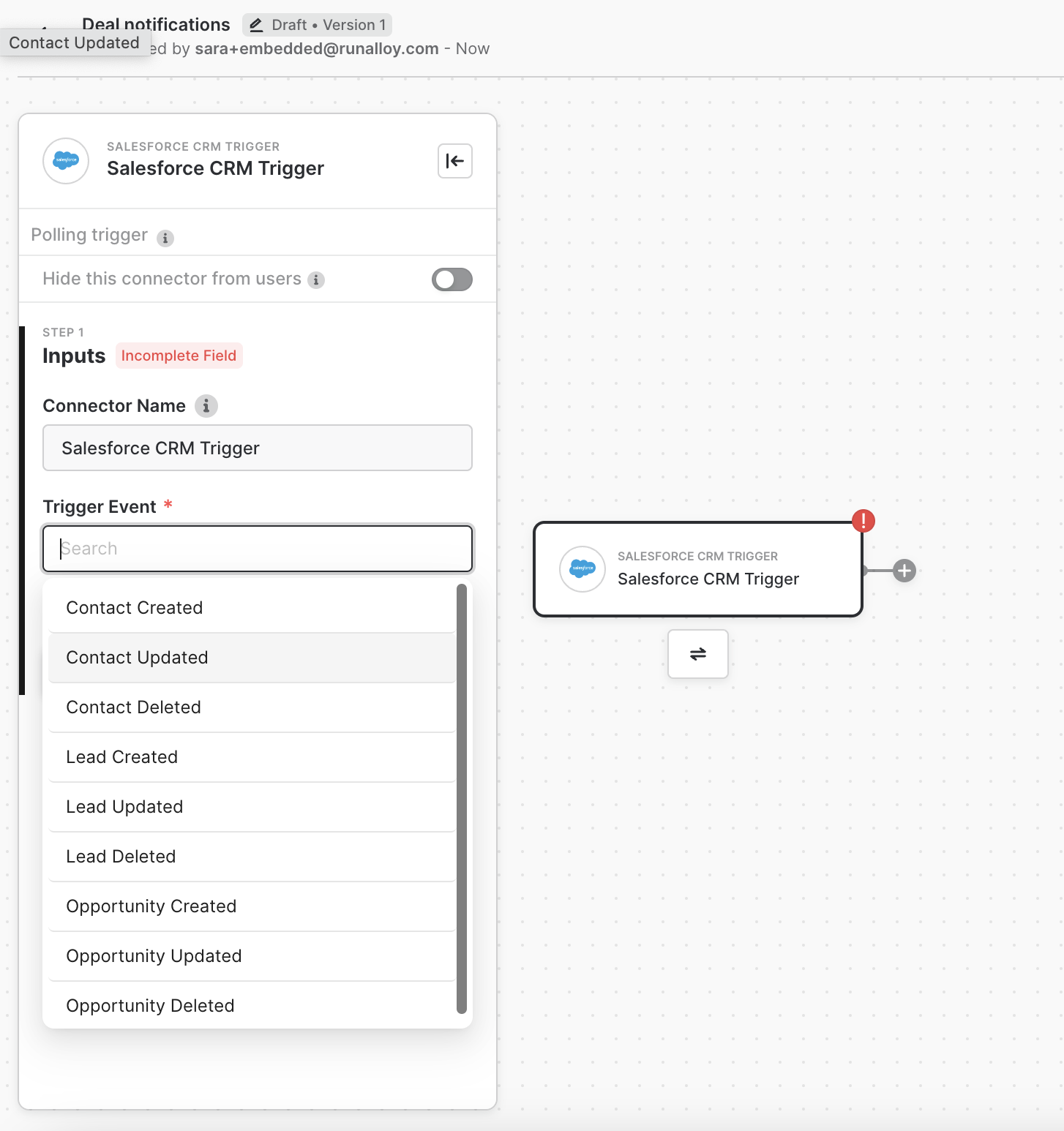
* Define the trigger event for the workflow, such as a deal status update or a new deal creation in the third-party system.
* Map the relevant deal data fields from the third-party system to the fields in your app’s database or API.
* Specify the conditions under which notifications should be sent (e.g., when a deal moves to a specific stage or when a deal amount exceeds a certain threshold).
* Configure the notification format and content, including relevant deal details.
* Define the endpoint in your app where Alloy will send the notifications.
* Ensure that your app’s API can receive and process the incoming notifications from Alloy.