- Monitor workflow executions and actions in real-time using Datadog dashboards.
- Automatically alert on failure or performance degradation through Datadog integrations.
- Store logs for historical analysis.
- Filter and search workflow failed logs via Datadog API for precise debugging.
Connecting your DataDog account to Alloy
To connect your DataDog account to Alloy, follow the steps below:1
Retrieve your URL and API Key from Datadog
Go to Organization Settings > API Keys in the Datadog. Click New Key and enter a descriptive name. Save the API Key for later use.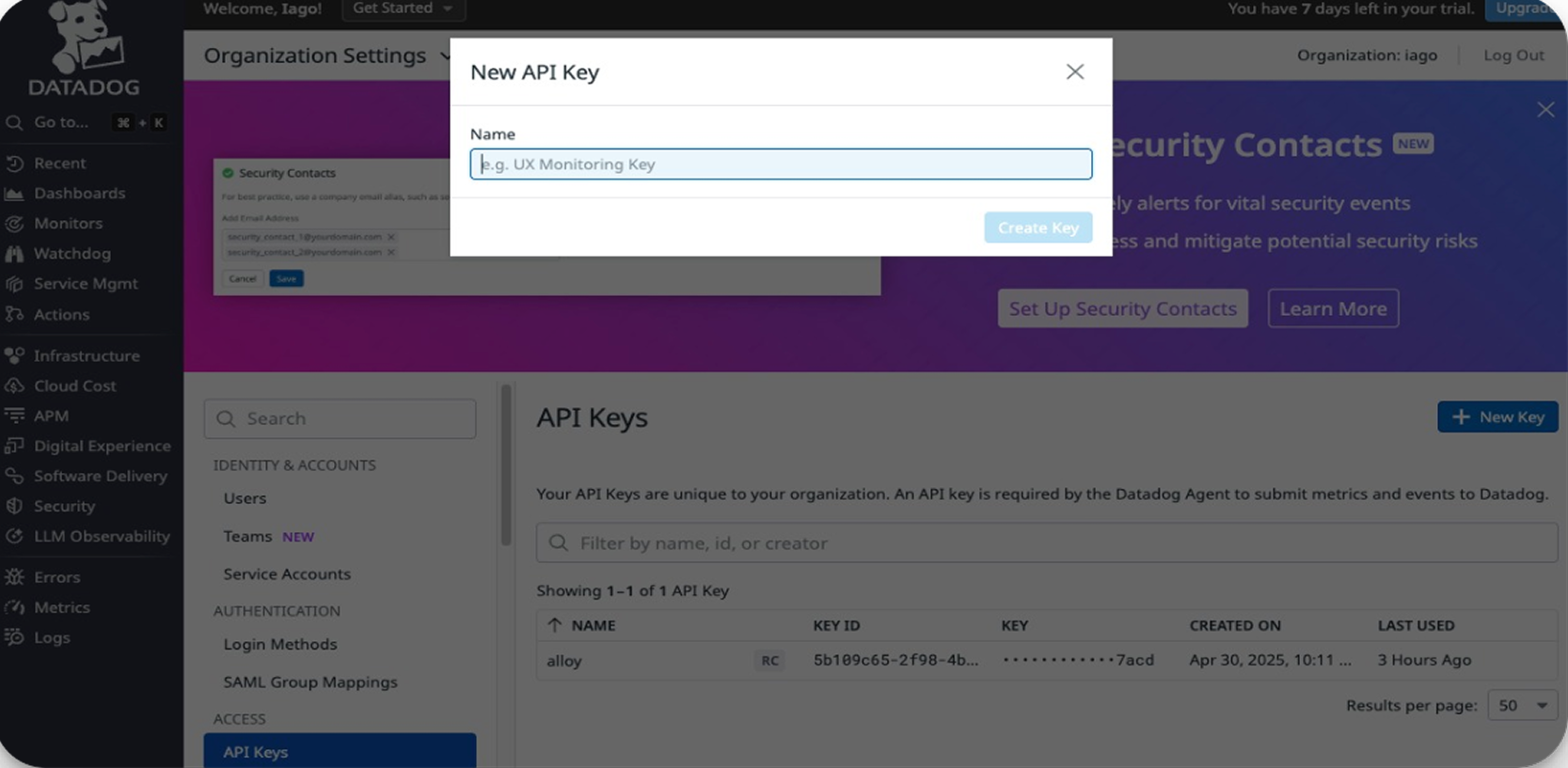
2
Connect your DataDog account to Alloy
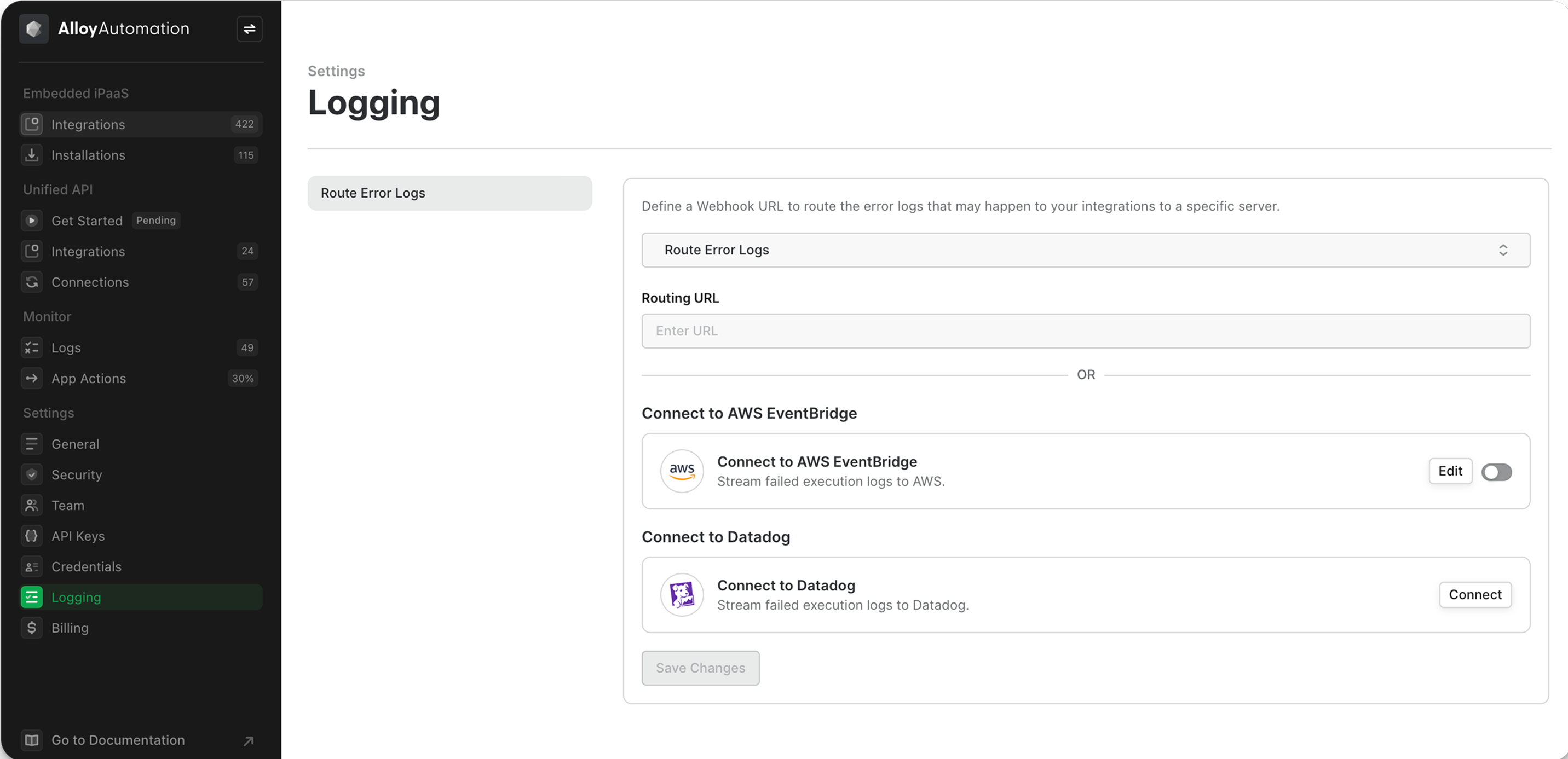
Navigate to the Settings → Logging section in Alloy Embedded and click the Connect button in the Connect to Datadog tab.