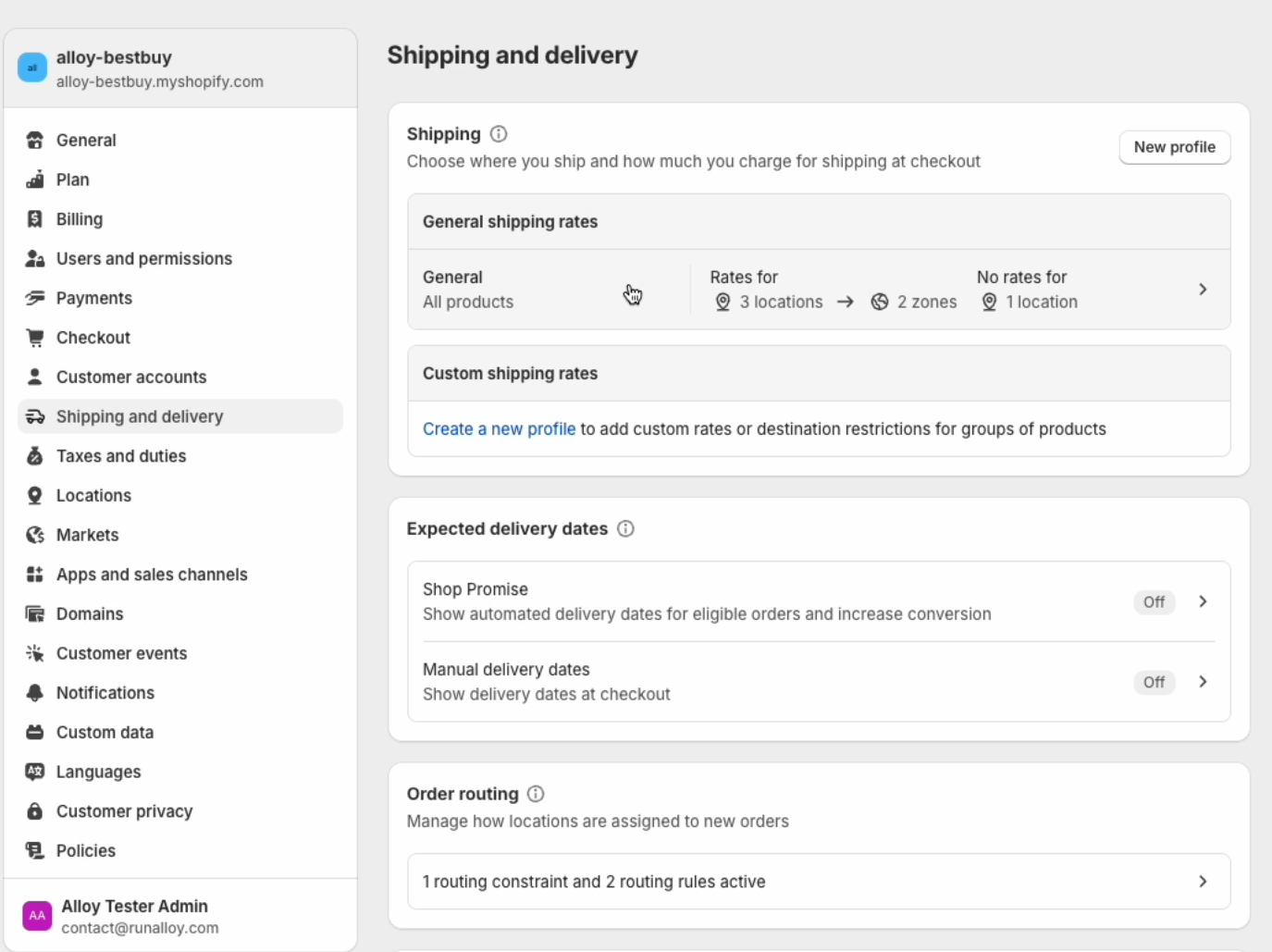
Shipping and Delivery
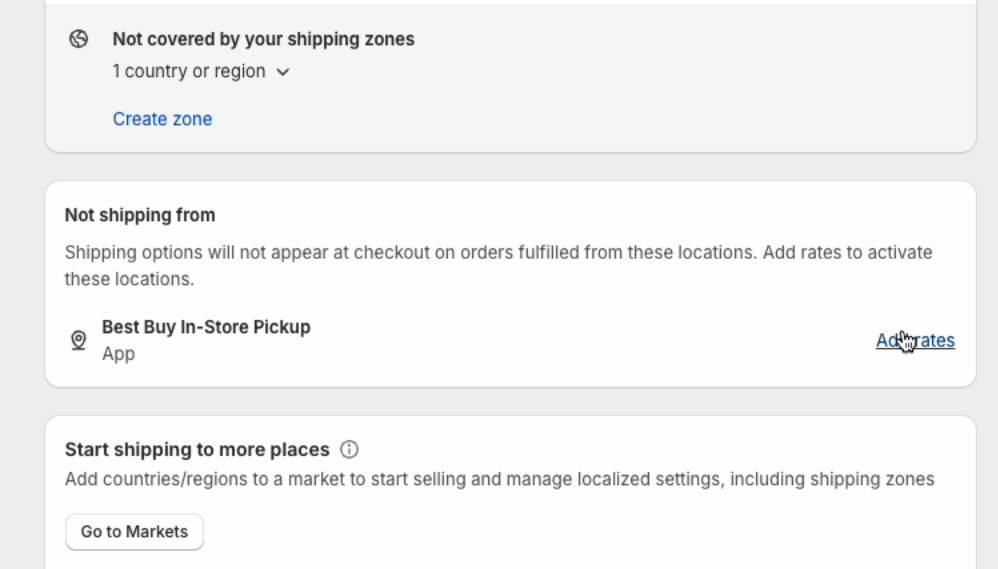
From the Best Buy Fulfillment App homepage, click on Shipping Settings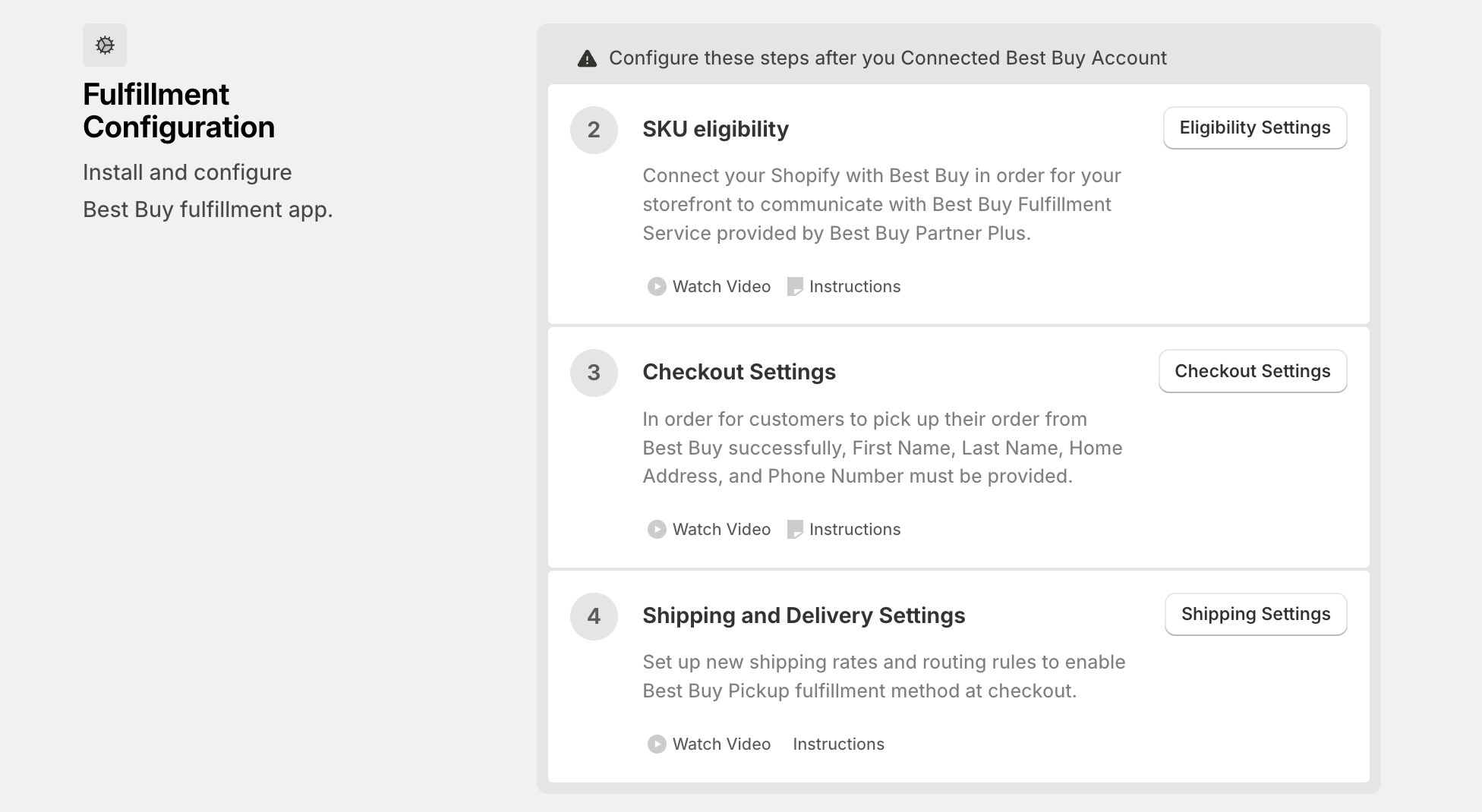
1
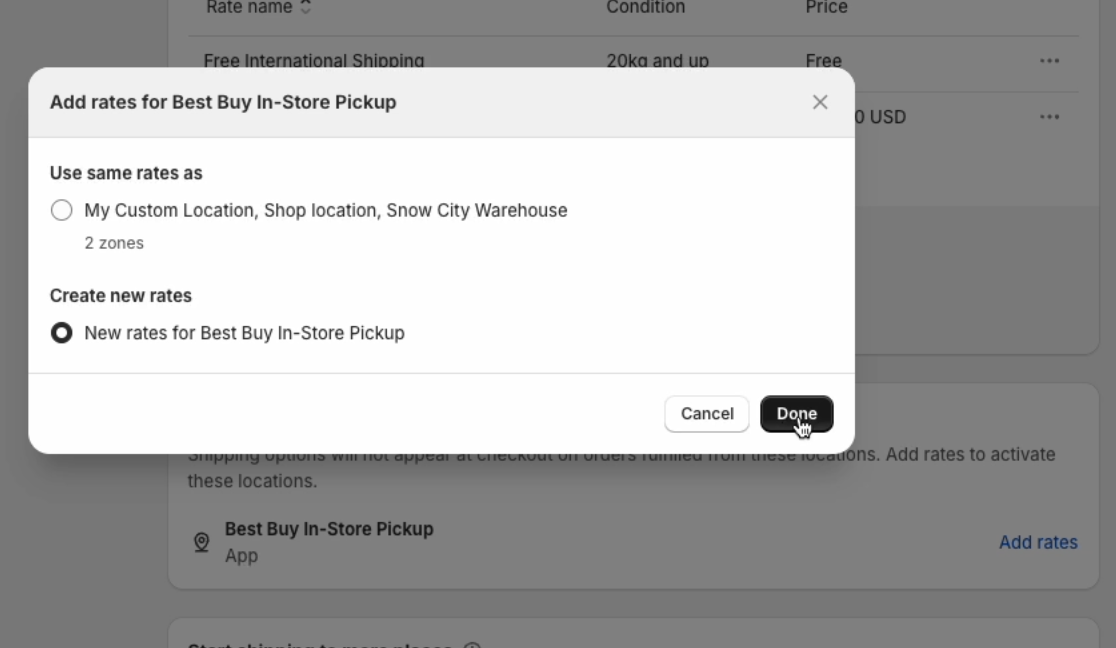
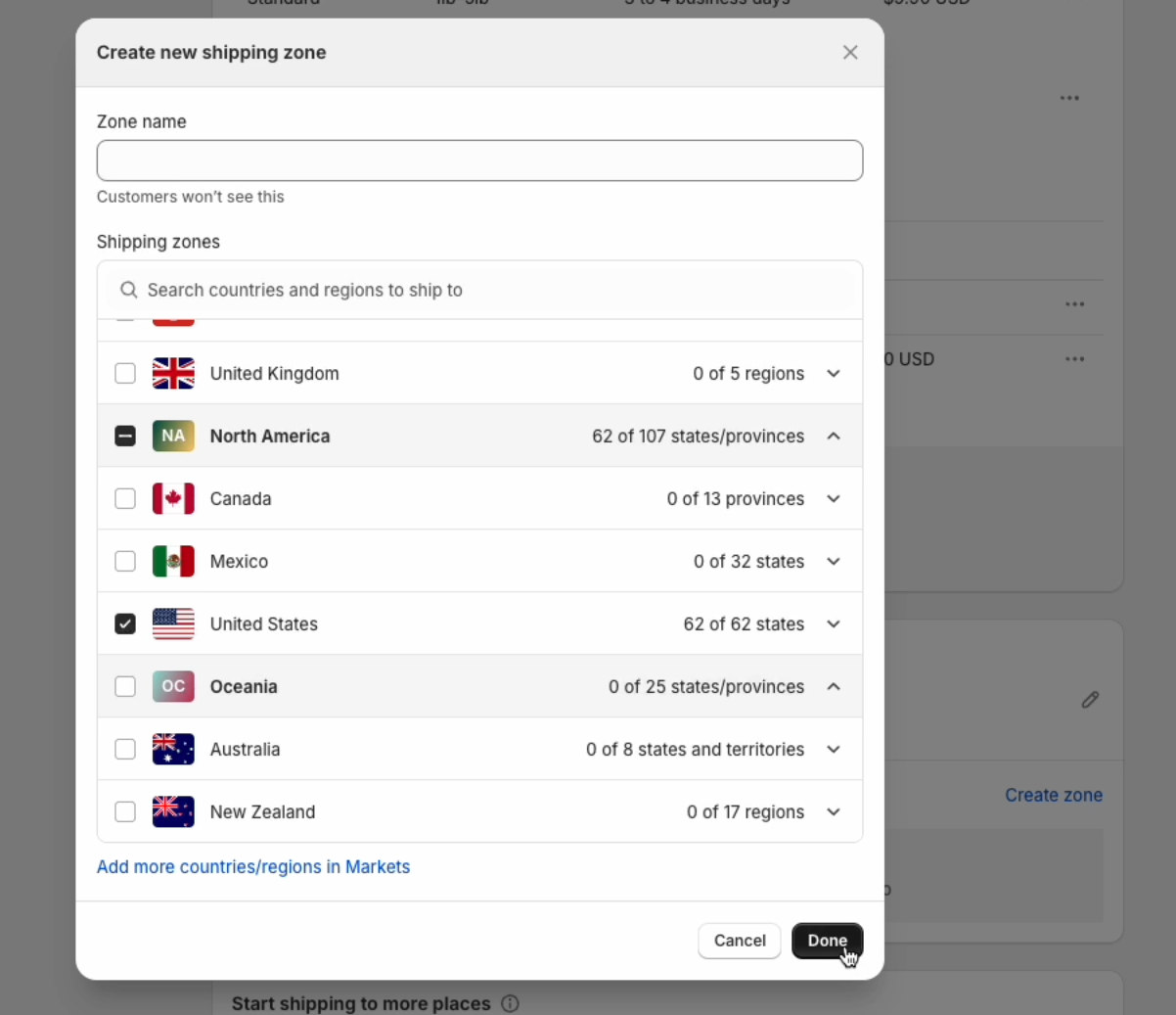
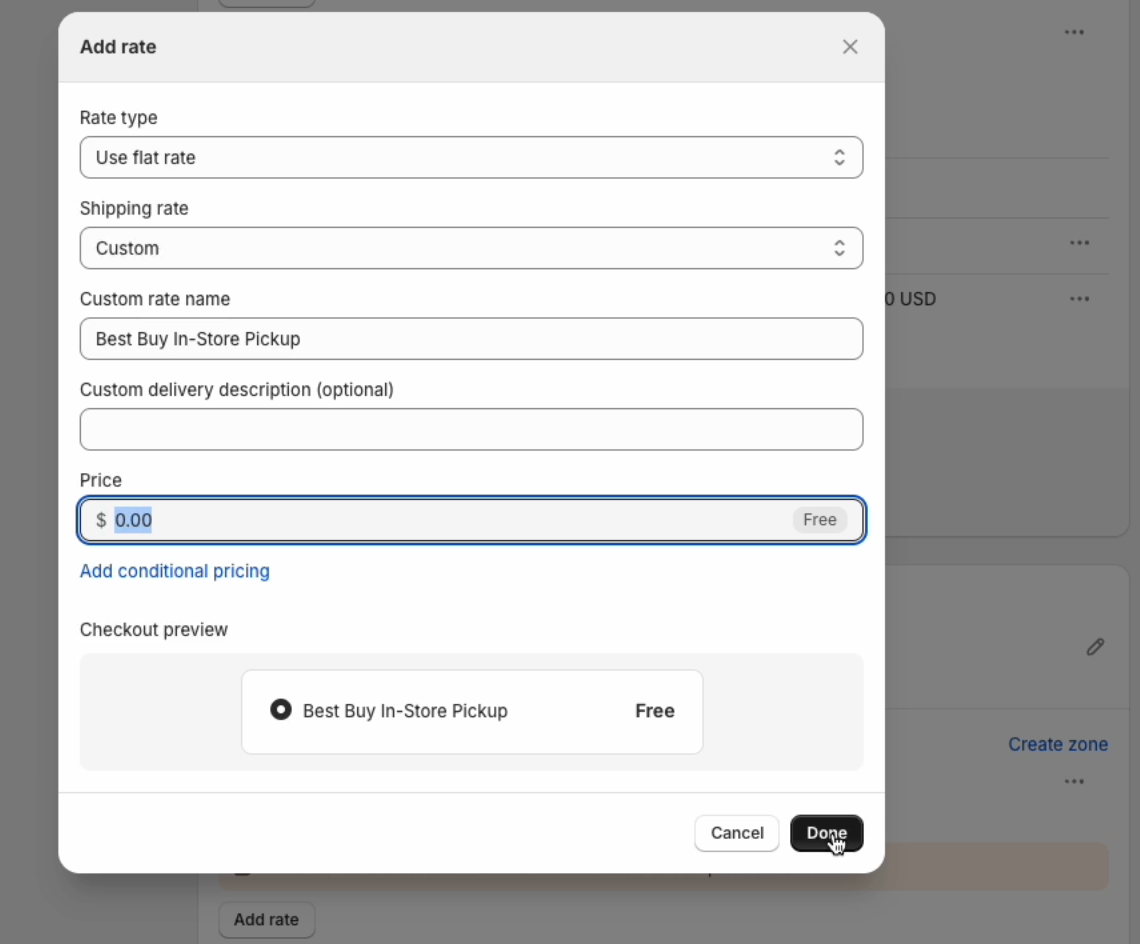
Rate type: user flat rate
2
Shipping rate: Custom
3
Custom rate name: Best Buy In-Store Pickup
4
Price: 0.00 (Free)
Order Routing
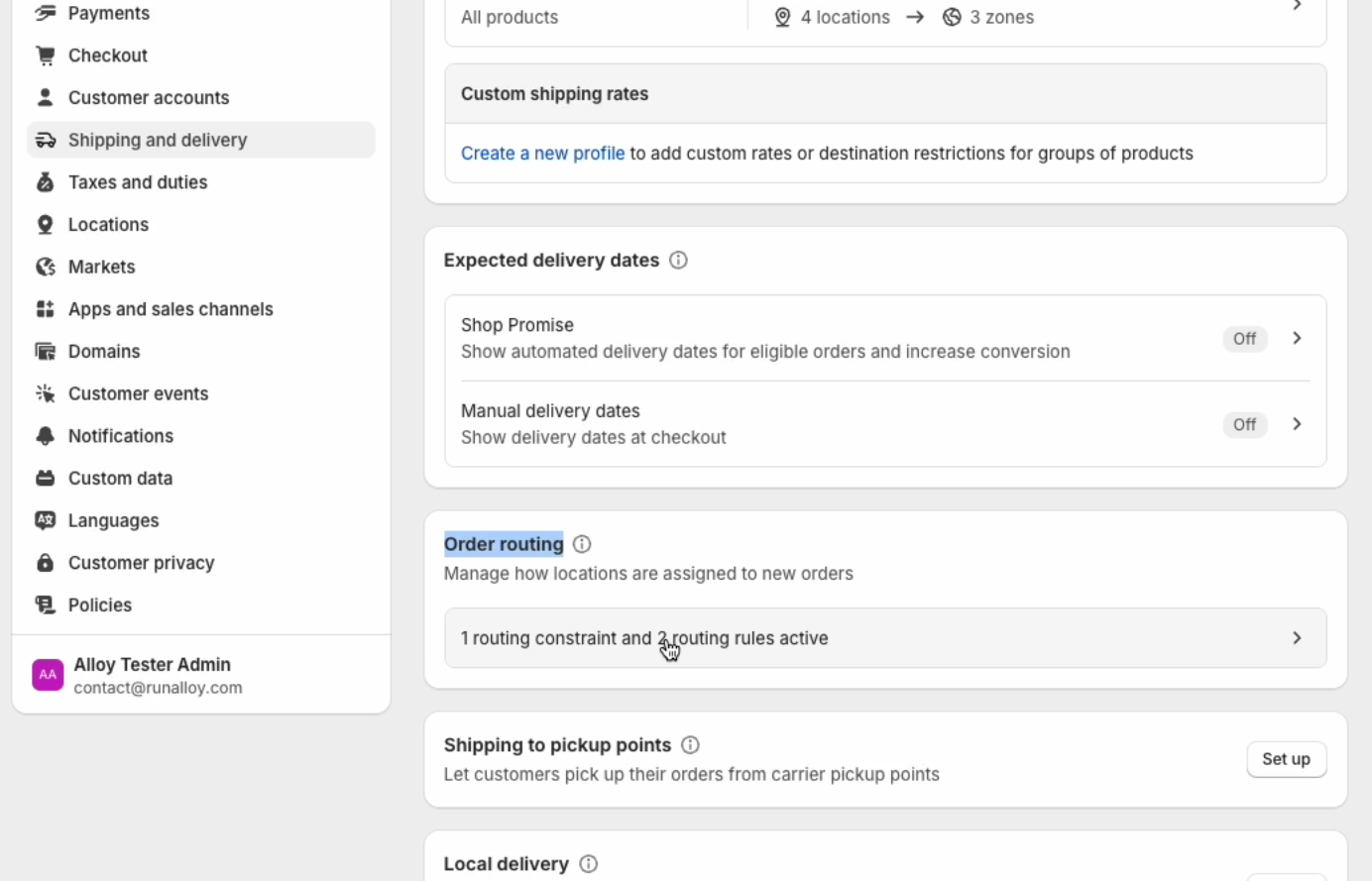
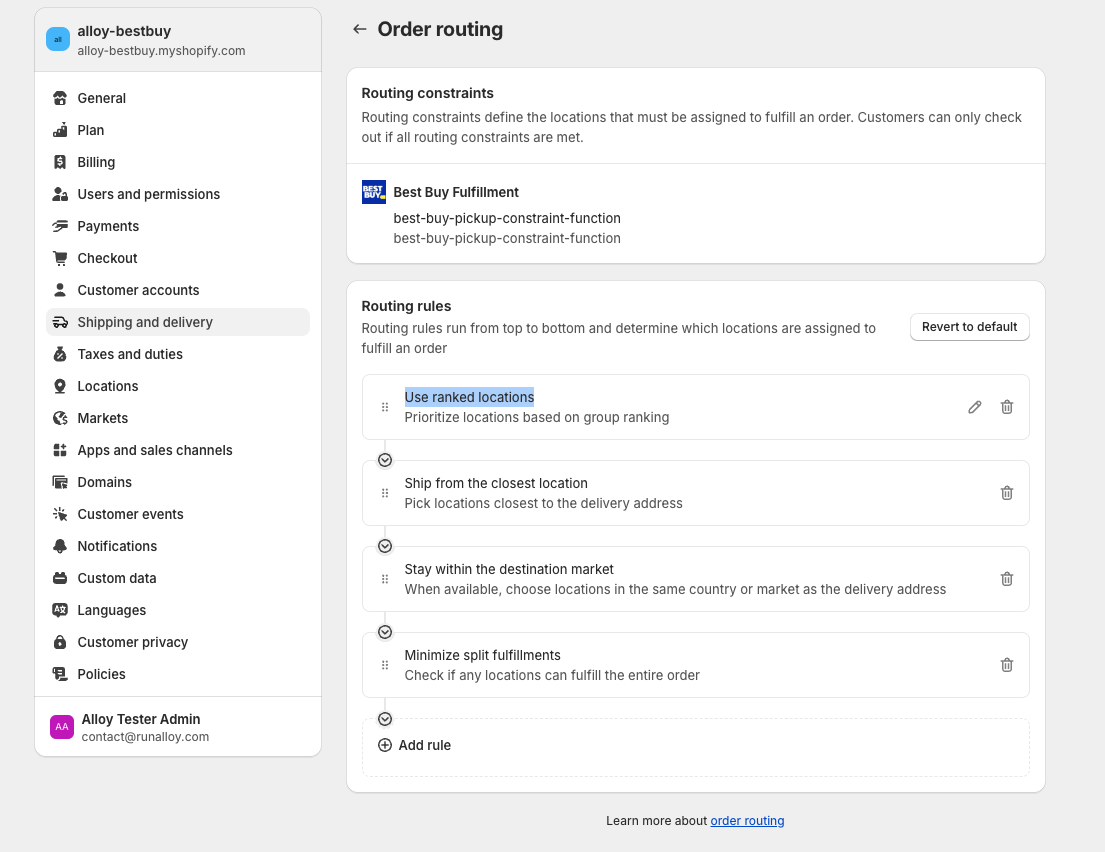
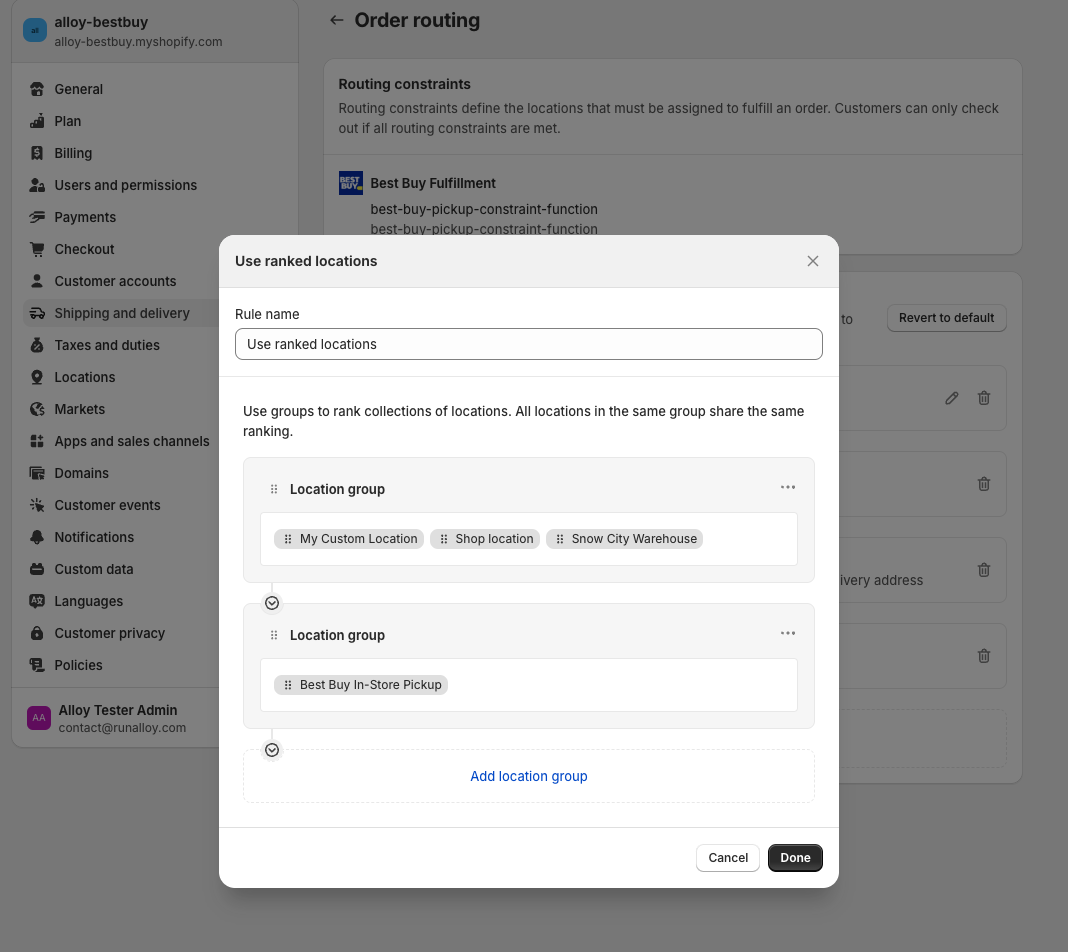
Under the same Shipping and Delivery page in Settings, click on Order Routing Rules in the Order routing section.