

Step 1. Setting up a webhook in Alloy
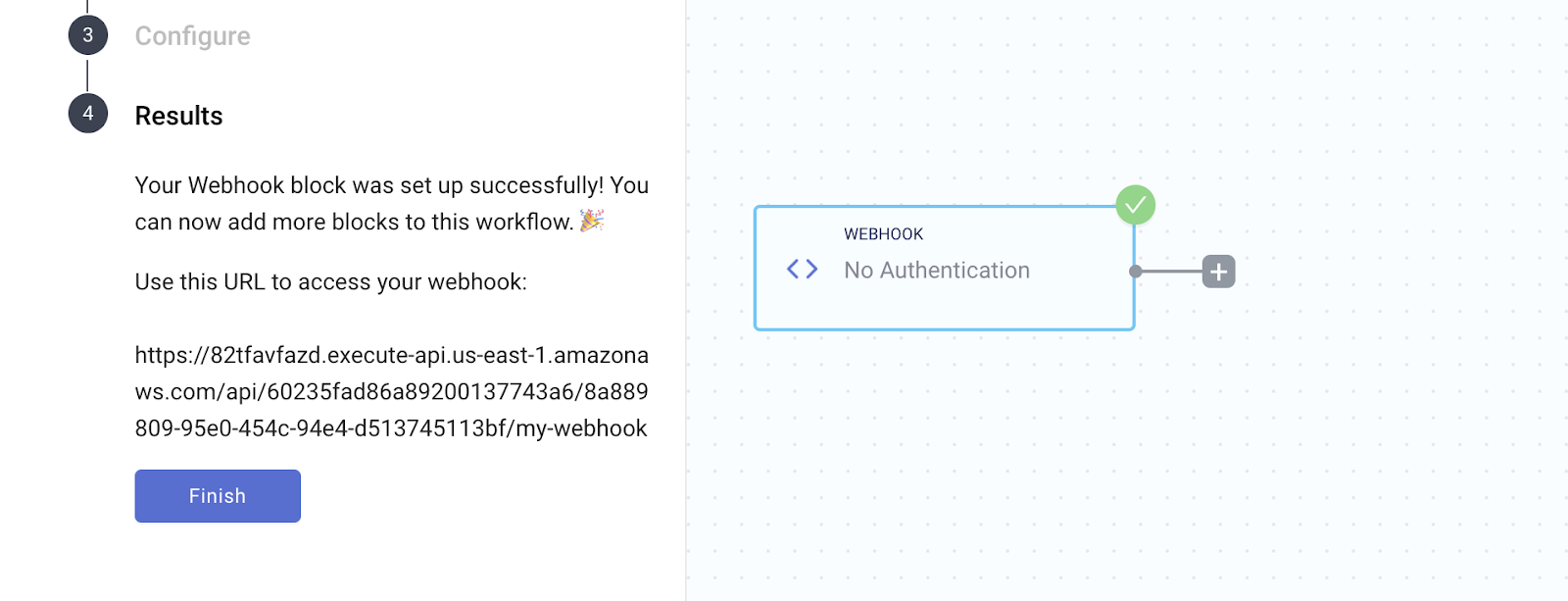
To use Builder.io with Alloy, you’ll need to create a workflow and set up a Webhook trigger block. This will cause the workflow to run every time an event in Builder.io occurs.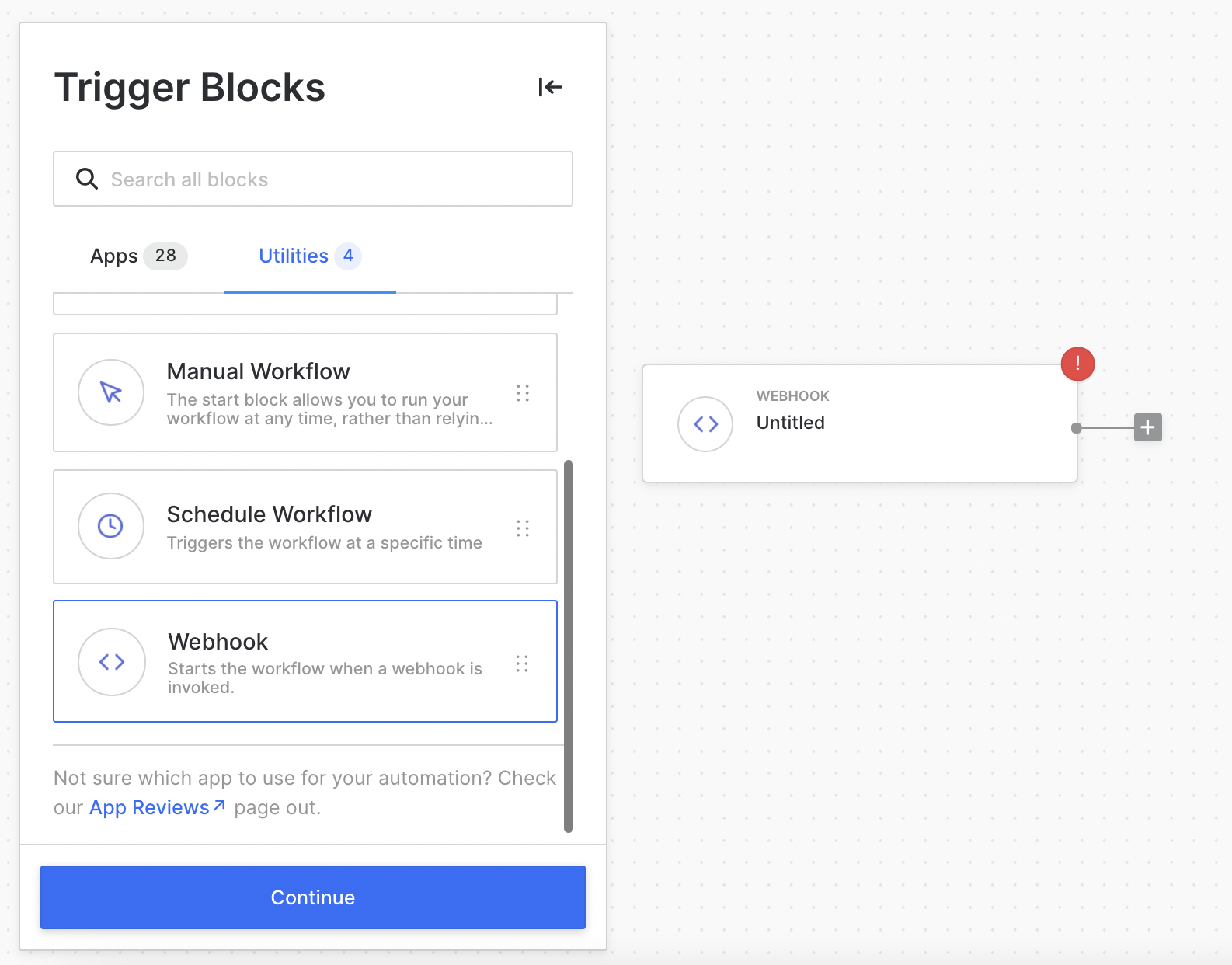
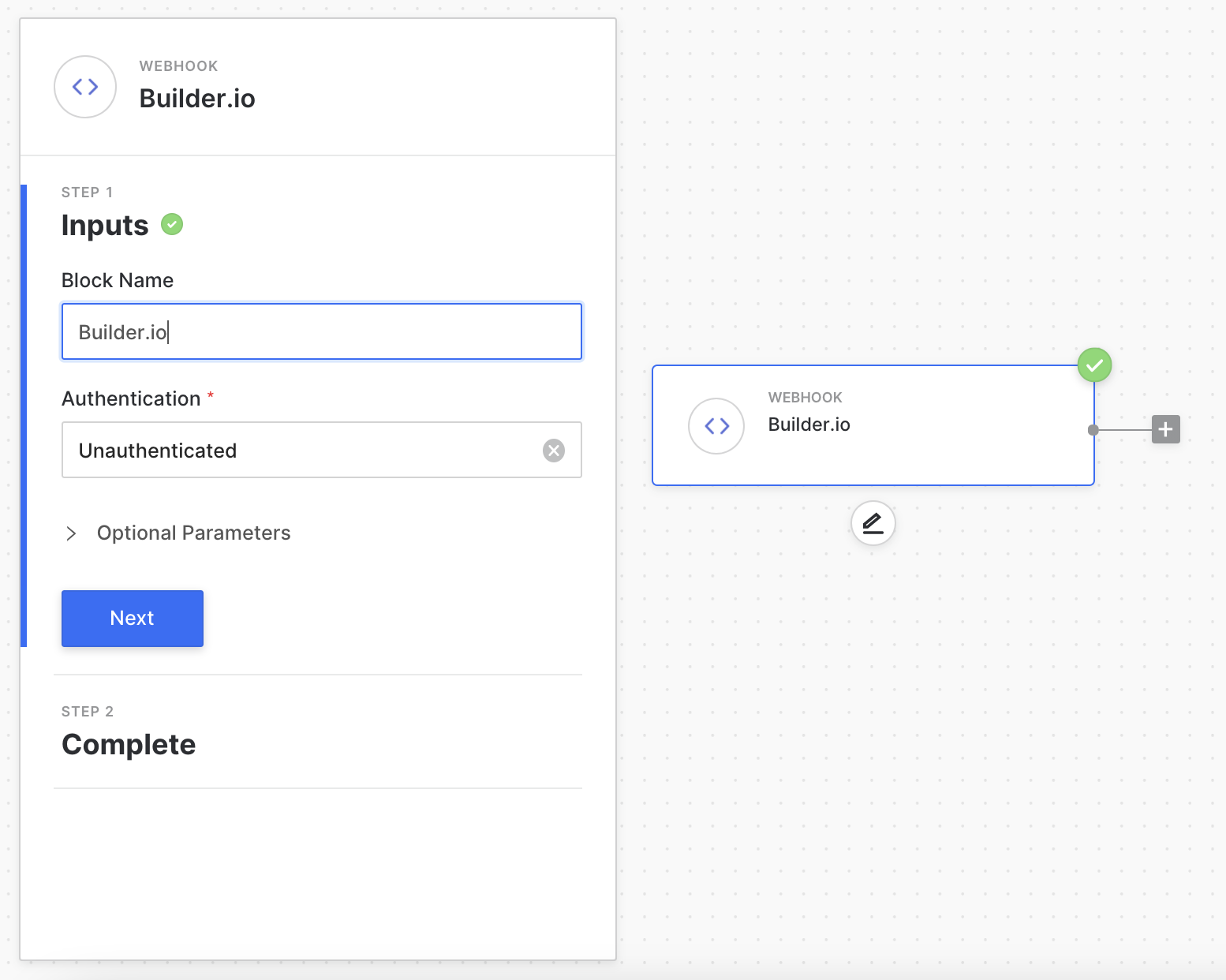
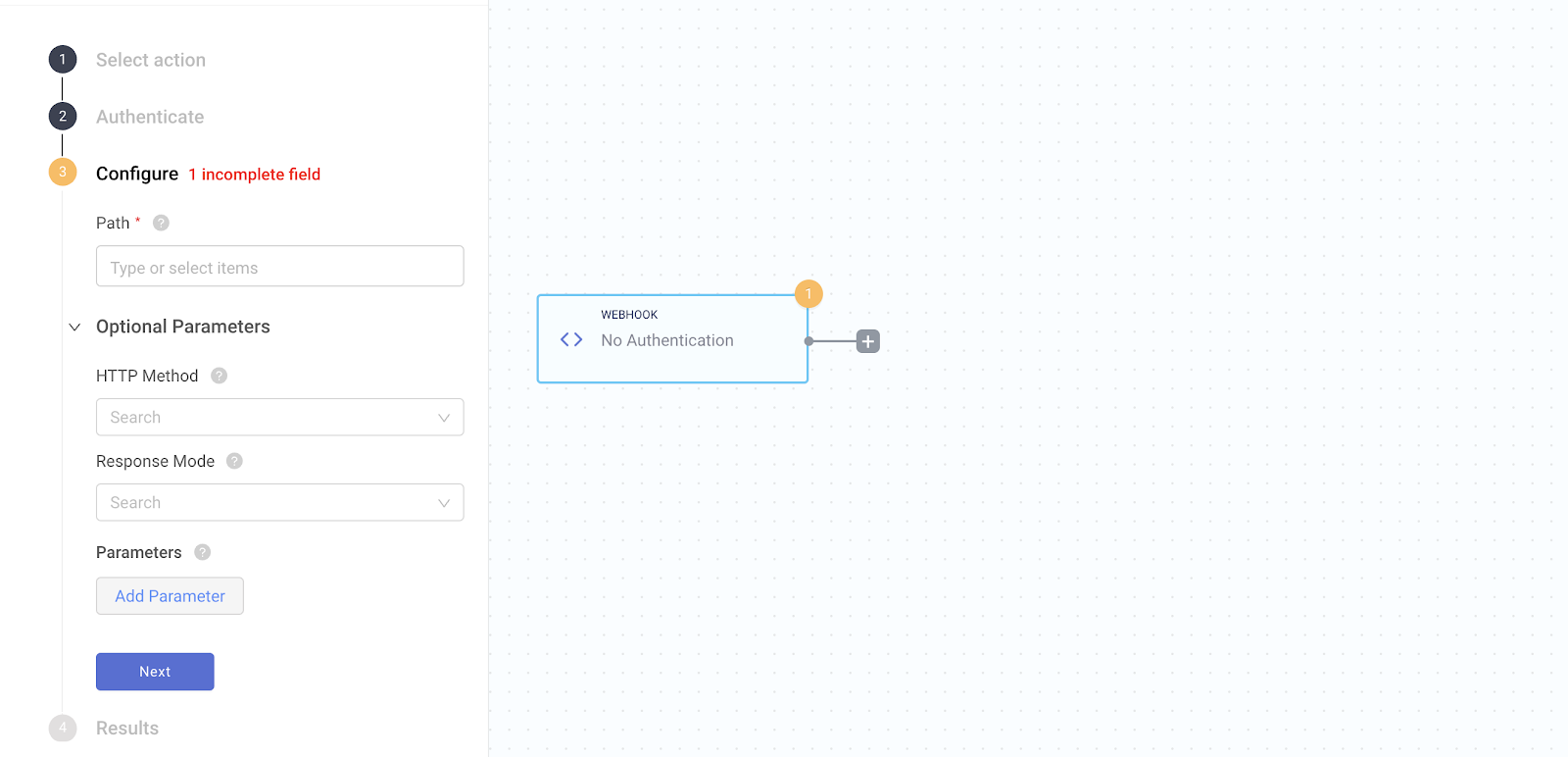
https://api.runalloy.com/webhook/path the path is the path you specify.
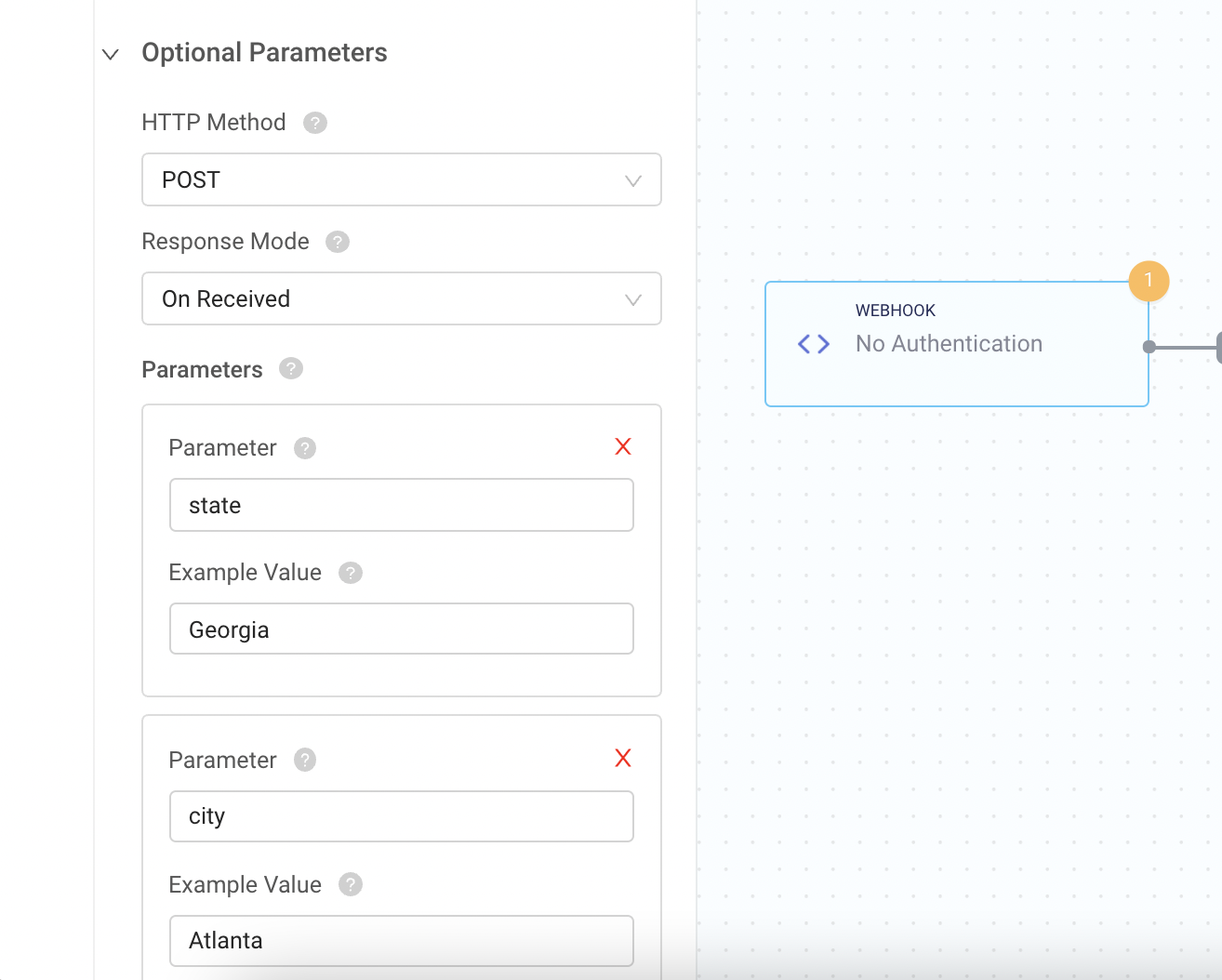
Next, you’ll want to define the HTTP method. Alloy supports both GET and POST requests. Lastly, select the Response Model which is typically “On received”.
Step 2. Creating a Builder.io form that pushes to Alloy
Create a form component and set Send submissions to custom.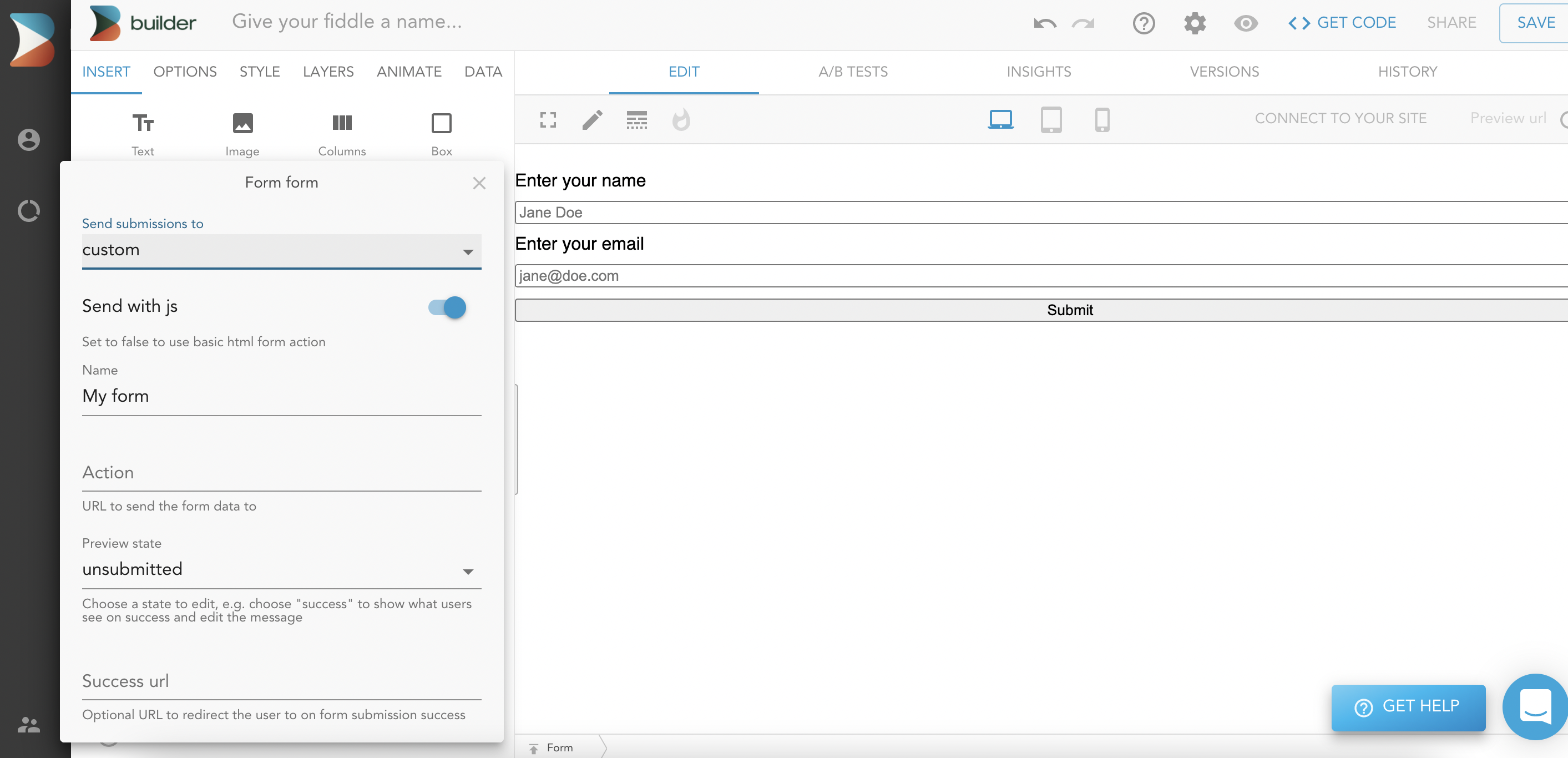
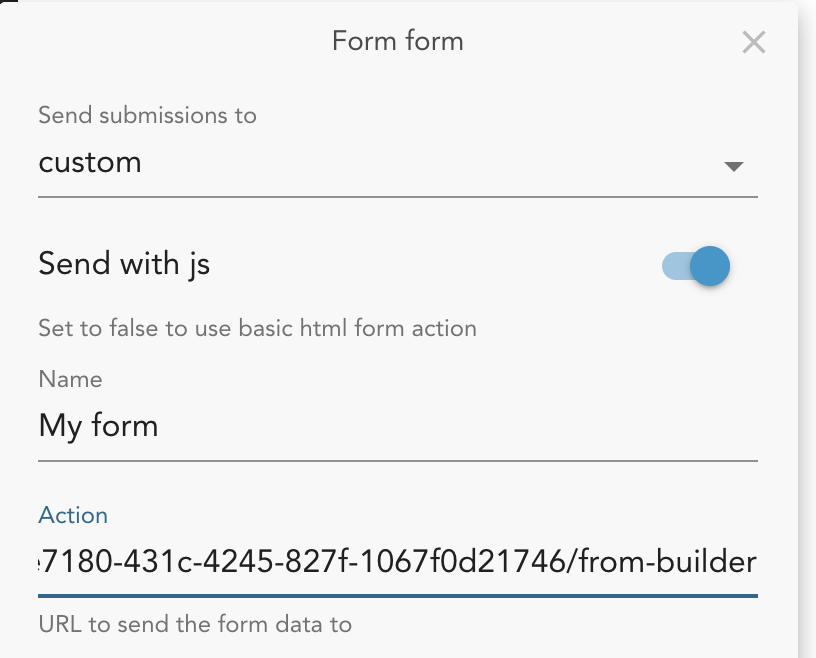
You’re all set now! For every form submission you make, the Alloy workflow will run and perform the necessary actions :)