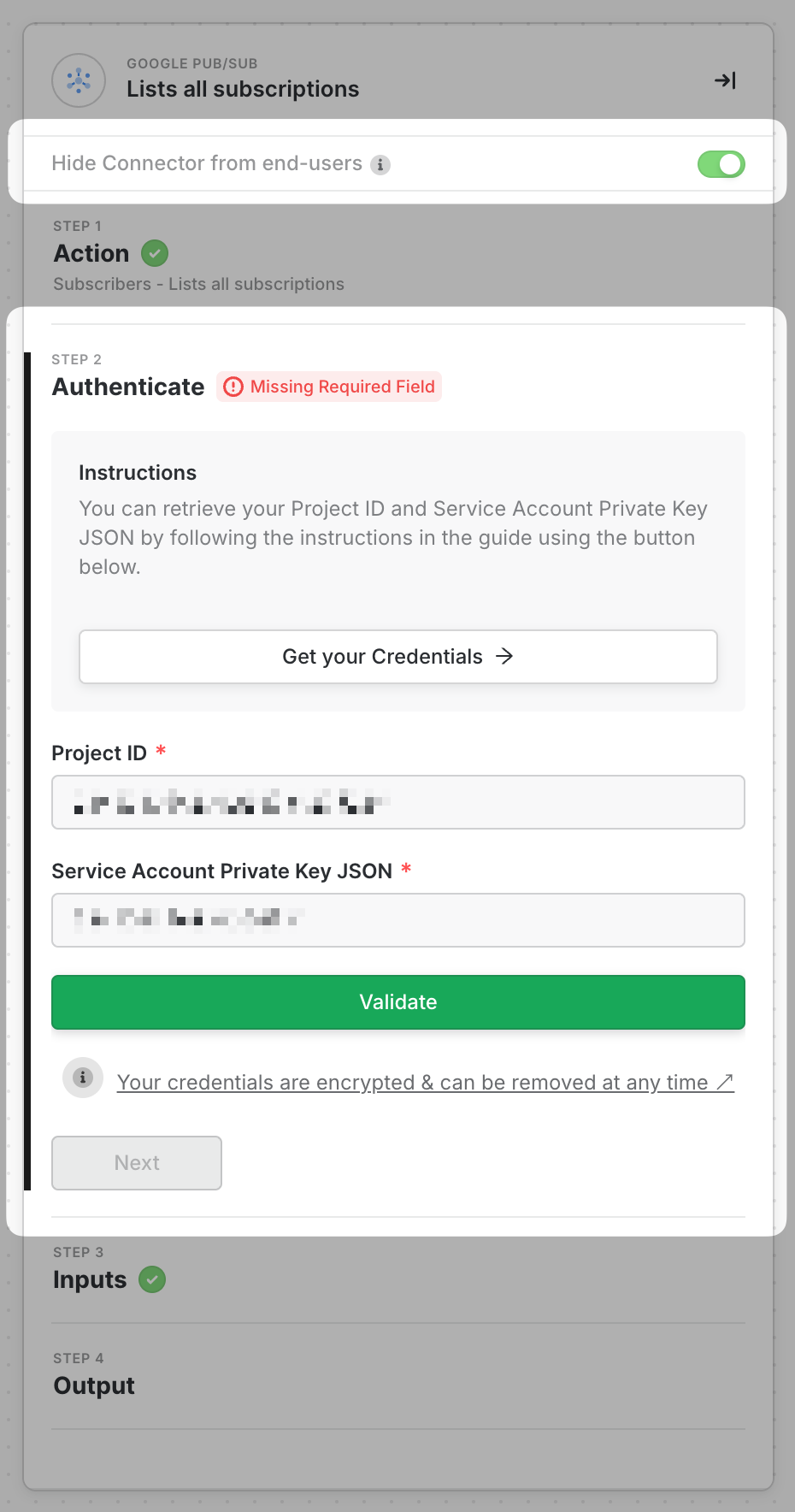
- Project Id
- Service Account Private Key JSON
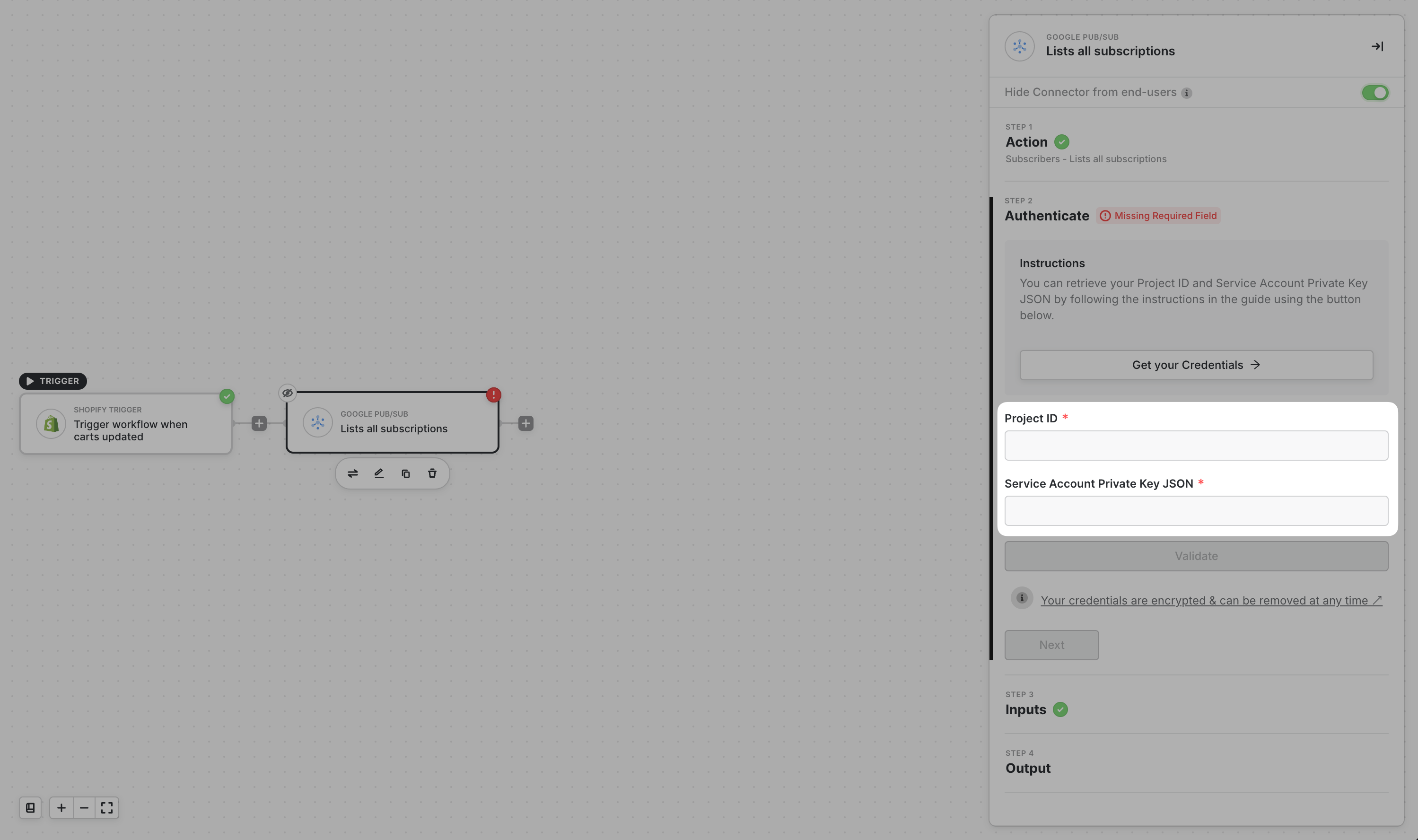
How to get the Project Id
To obtain your project Id, navigate to your Google Cloud console’s Projects List. You can do so here. Then, choose the Project ID of the project where your BigQuery is in.
How to get the Service Account Private Key JSON
First things first, if you don’t have a service account yet, create a service account following Google’s Documentation here. Then follow the steps in Google’s Documentation here on how to create a private key in JSON format. See sample below showing how a private key in JSON format looks like.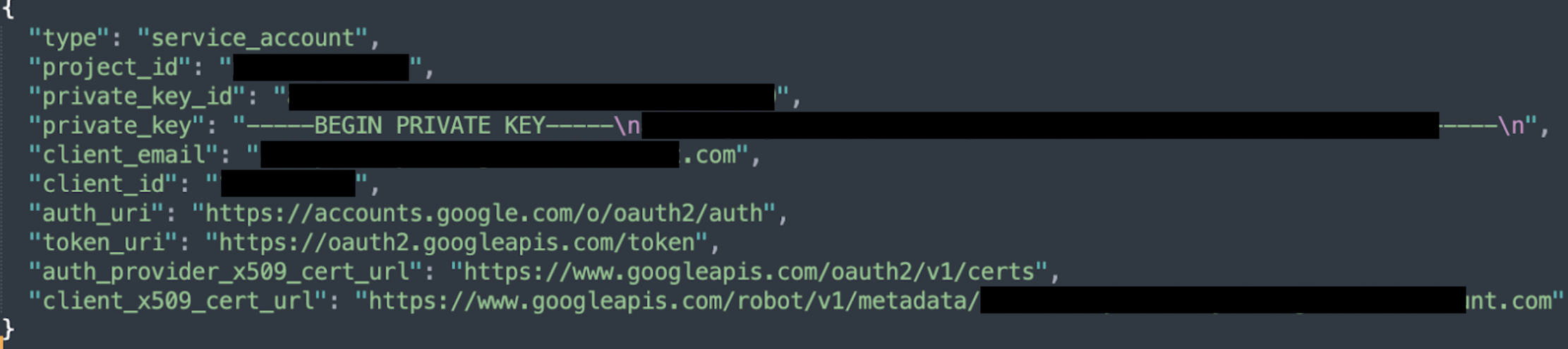
Configuring the Service Account
Next, you’ll need to configure the Service Account. To do so, follow the simple steps below:1
Go to the project principals list in your Google Cloud Console
2
Click on +Add
3
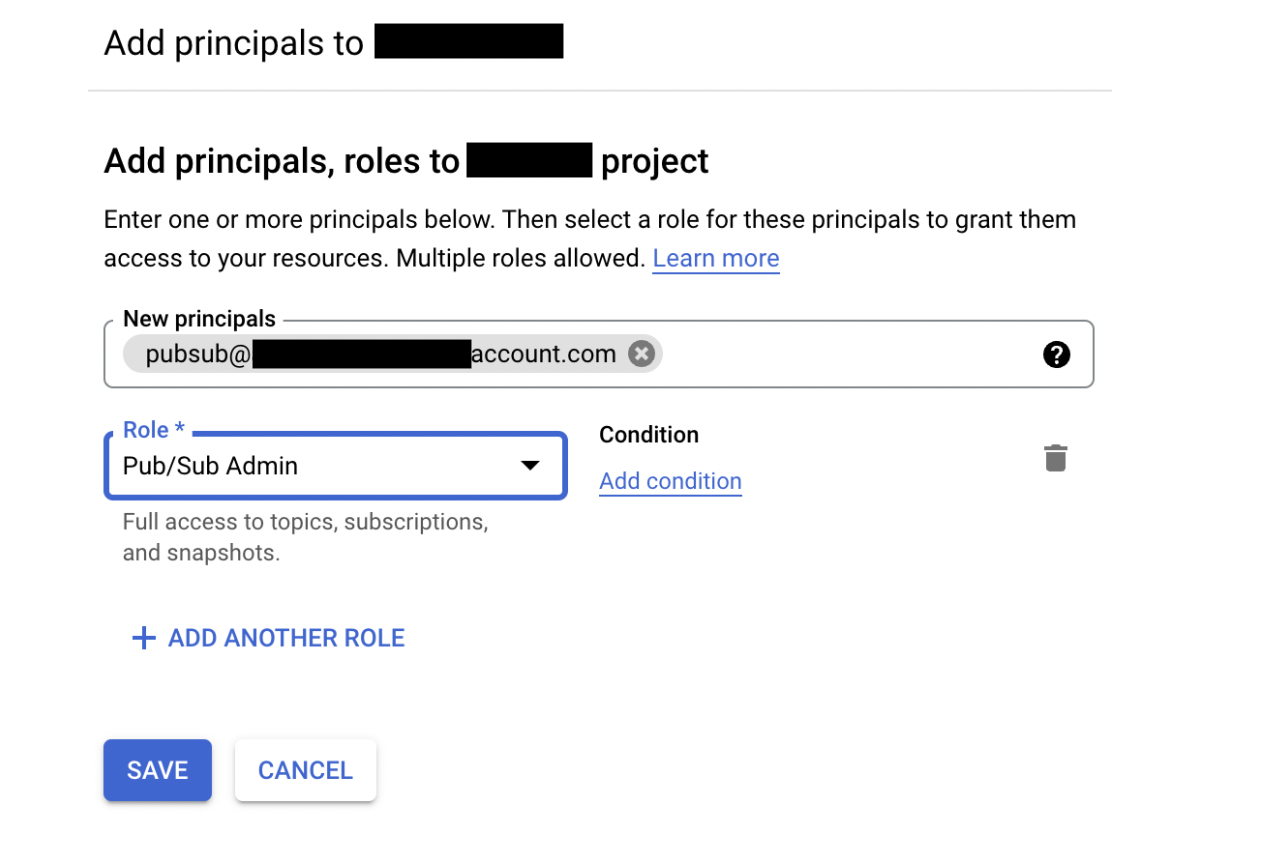
In the New Principals field, enter the service account. The service account is the entire email address.
In the Role field, search for the role Pub/Sub Admin and select that.Then click on the Save button.
In the Role field, search for the role Pub/Sub Admin and select that.Then click on the Save button.
Complete Block Credentials
1
Input the Project ID for your project found in the previous steps.
2
Then copy the whole contents in the JSON file created in the previous steps into the Service Account Private Key JSON field and then click on Validate.